ANTORIS / Weighing Indicators

Give your weighing
a clear interface.

Explore weighing indicators by their published specifications. Compare display, sensor connections and interface options before choosing a model.

Explore the range

Weighing Indicators

16 models / compare up to 3

Showing all 16 models

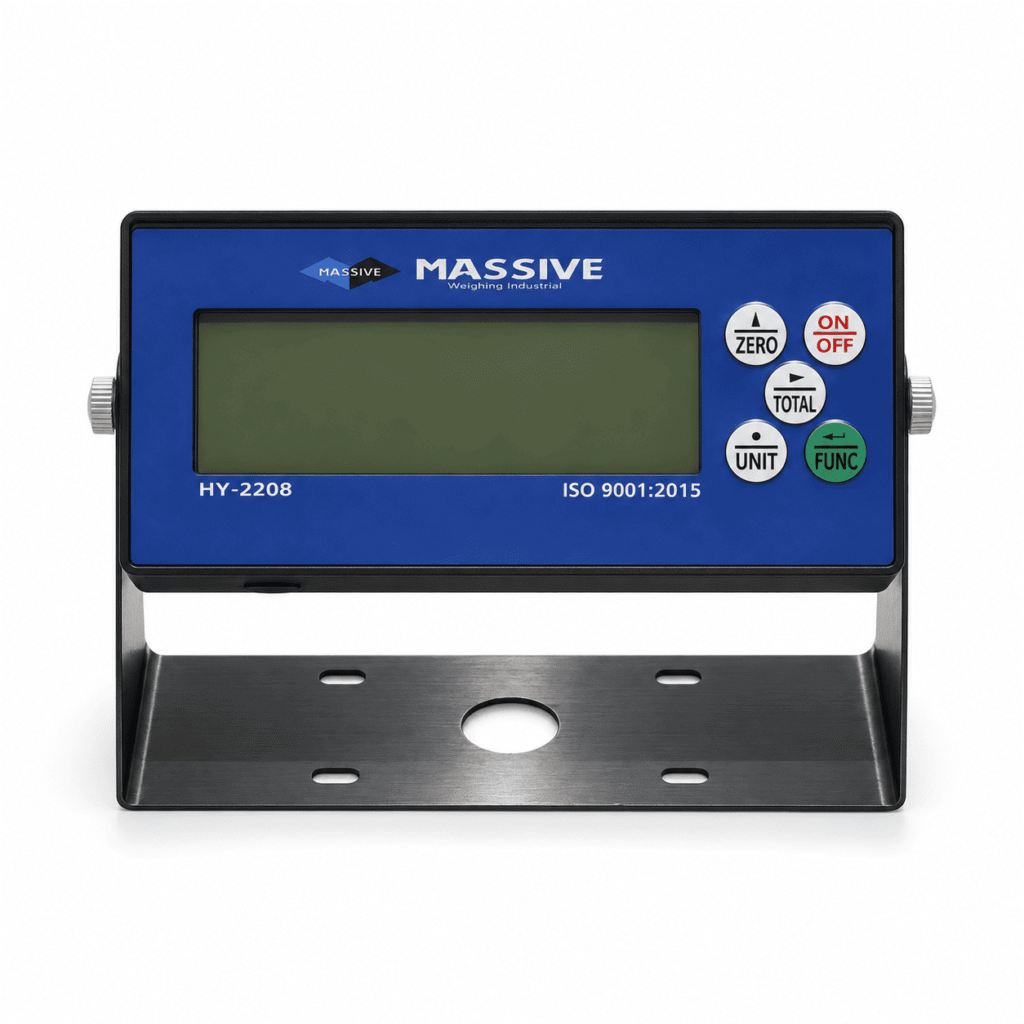
HF12C product view

HF12C LCD Weighing Indicator

Display
6-digit backlit LCD; 1.6-inch / 40 mm characters
Load cell connections
Up to 8 × 350 Ω
Interfaces
Standard: full-duplex RS232. Optional: RS485, BLE 4.0 Bluetooth, USB serial, RF kit; 4–20 mA / 0–10 V and relay outputs optional.
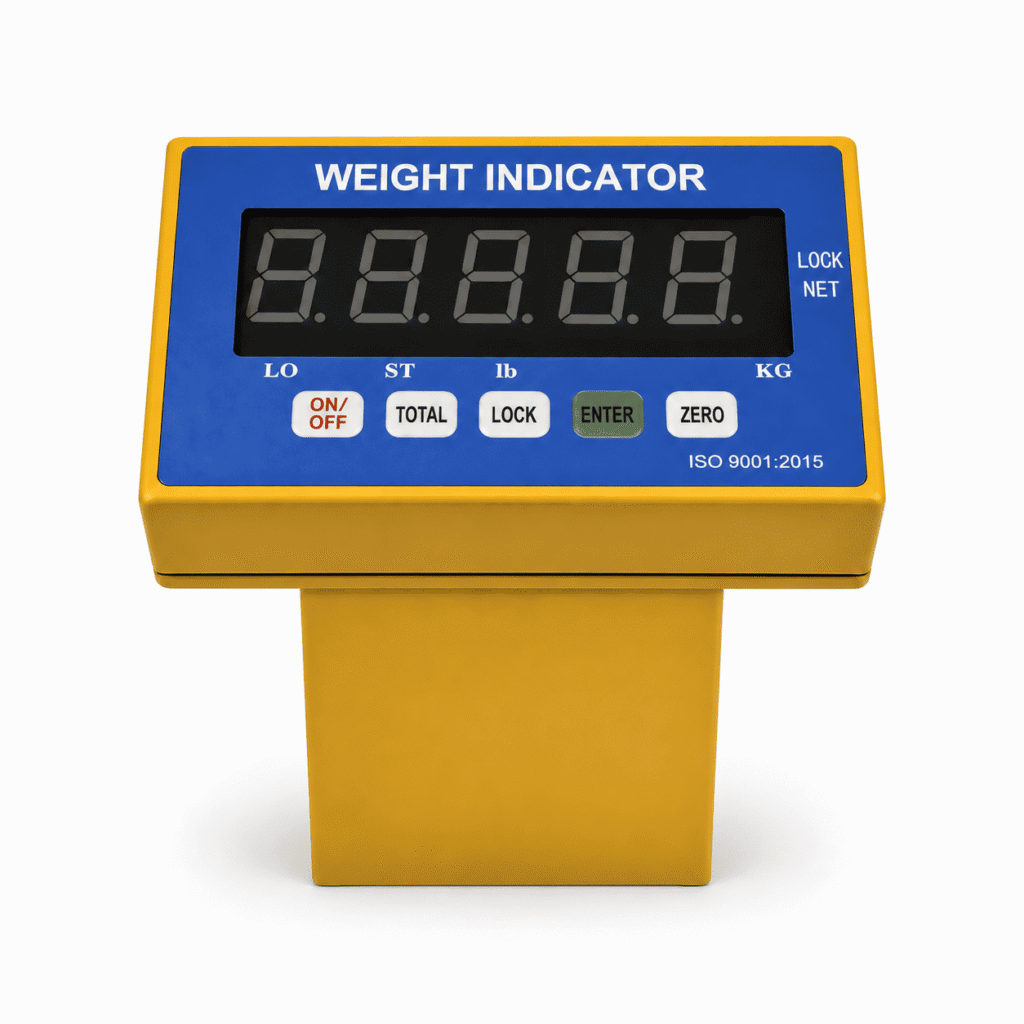
HF208 product view

HF208 LED Weighing Indicator with Thermal Label Printer

Display
6-digit LED; 1.85-inch / 47 mm characters
Load cell connections
Up to 16 × 350 Ω; 4/6-wire connection; optional 2 × 4 multi-scale weighing
Interfaces
Standard: full-duplex RS232. Optional: RS485, Bluetooth BLE, RF kit and PS/2 keyboard; 0–20 mA / 0–10 V analog output optional.
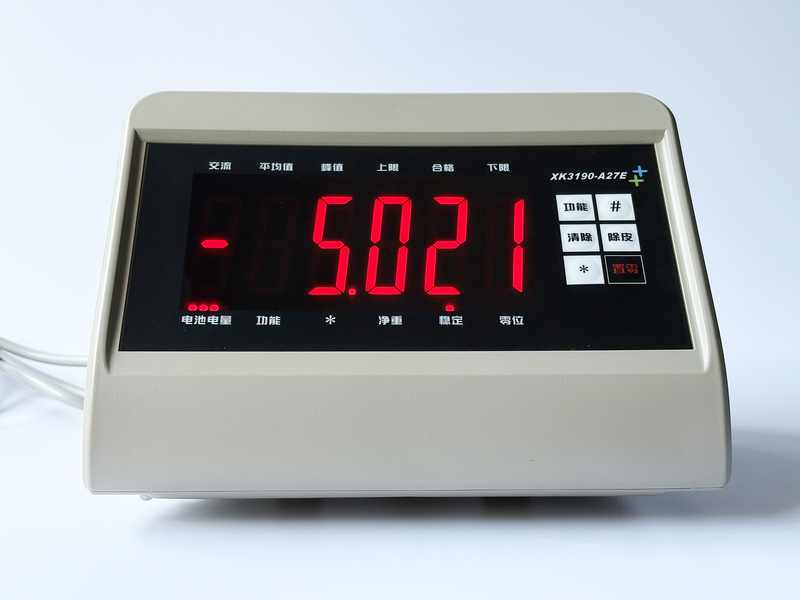
HF310T product view

HF310T Truck Weighing Indicator with Thermal Printer

Display
0.8-inch white BTN LCD; dual 15-segment alphanumeric display
Load cell connections
Up to 16 × 350 Ω; 4/6-wire connection; multi-load-cell / multi-scale input optional
Interfaces
Standard: full-duplex RS232. Optional: RS485, BLE 4.0 Bluetooth, RF kit, PS/2 keyboard; 4–20 mA, 0–10 V and relay outputs optional.
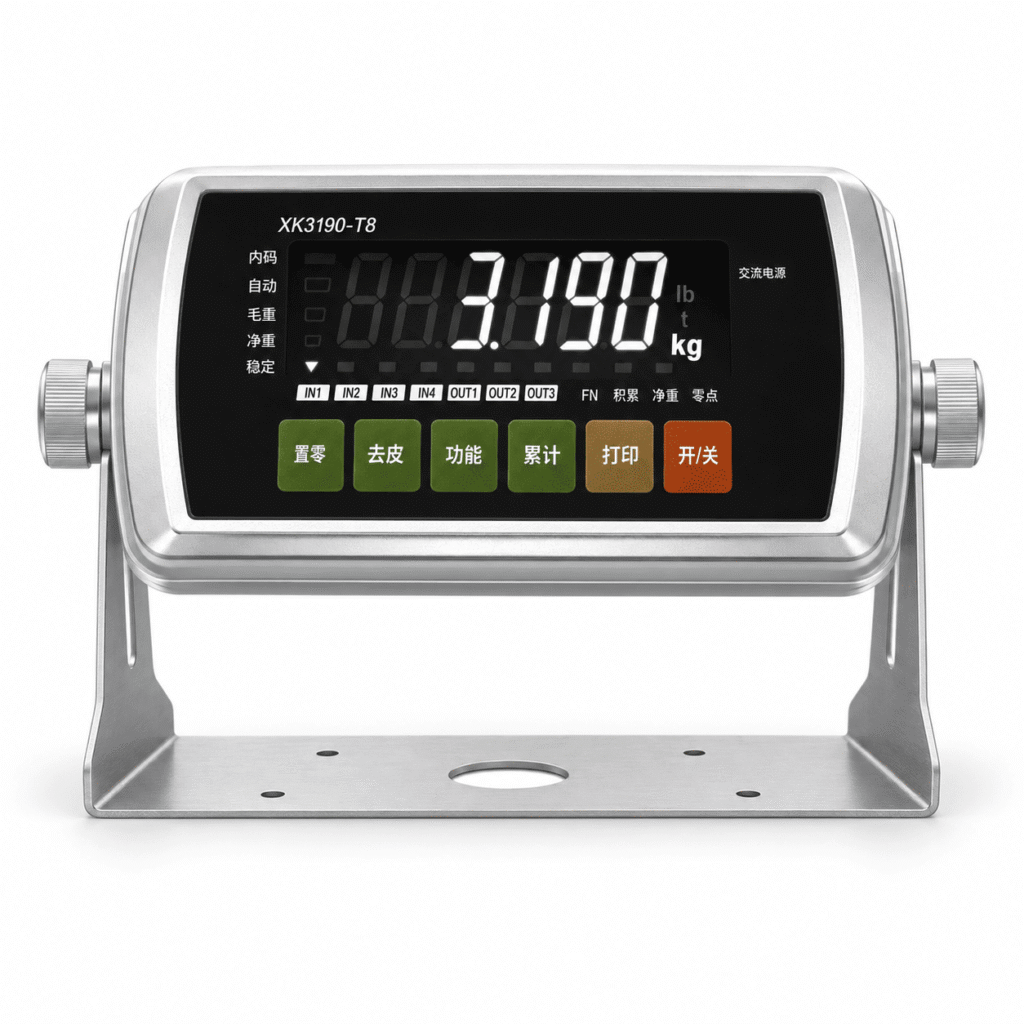
HR2308 product view

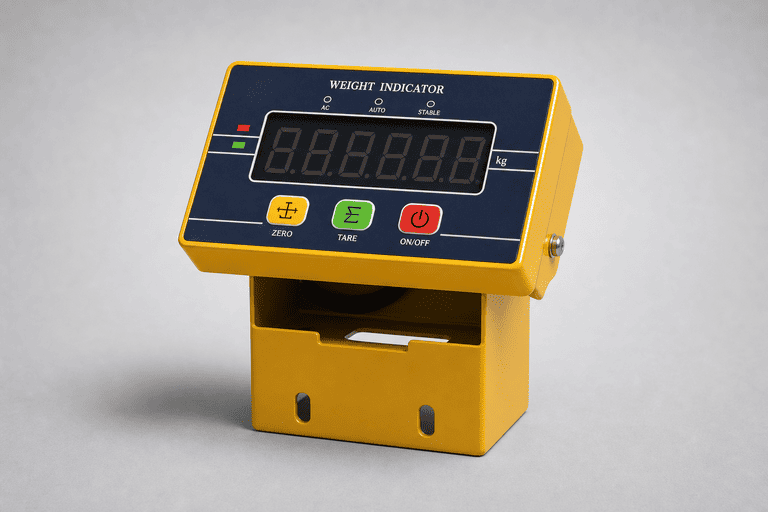
HR2308 Dual-Color LED Weighing Indicator

Display
1-inch dual-color LED display
Load cell connections
Analog load-cell input; suggested 1–4 load cells, depending on scale structure
Interfaces
Wireless; infrared remote. Optional: wireless display module and wireless receiving-indicator configuration.

Specifications vary by model. Open a product page for its full parameters and available options.

Before you decide

Connect the signal.
Clarify the operation.

Use the published parameters to build your shortlist. Confirm installation details before ordering.

Return to the models ↑

Scale & sensors

Share the scale type and the number and resistance of connected load cells.

Display & operation

Tell us what operators need to read, record or calculate.

Power & communication

Confirm the power supply and connection to other equipment.

Selection support

Bring us the requirements.Let’s narrow the options.

Share your application, equipment details and the models you’re considering.

Discuss your project
ANTORIS

Side by side

Compare specifications.

Compare published model specifications. Matching values do not establish interchangeability.

Need help confirming the fit?

Contact us ↗